Quick Verdict: a solid pick for budget-conscious families needing a reliable Wi-Fi 6 upgrade; skip it if you have gigabit fiber and a massive multi-story house.
Key Features & Specs
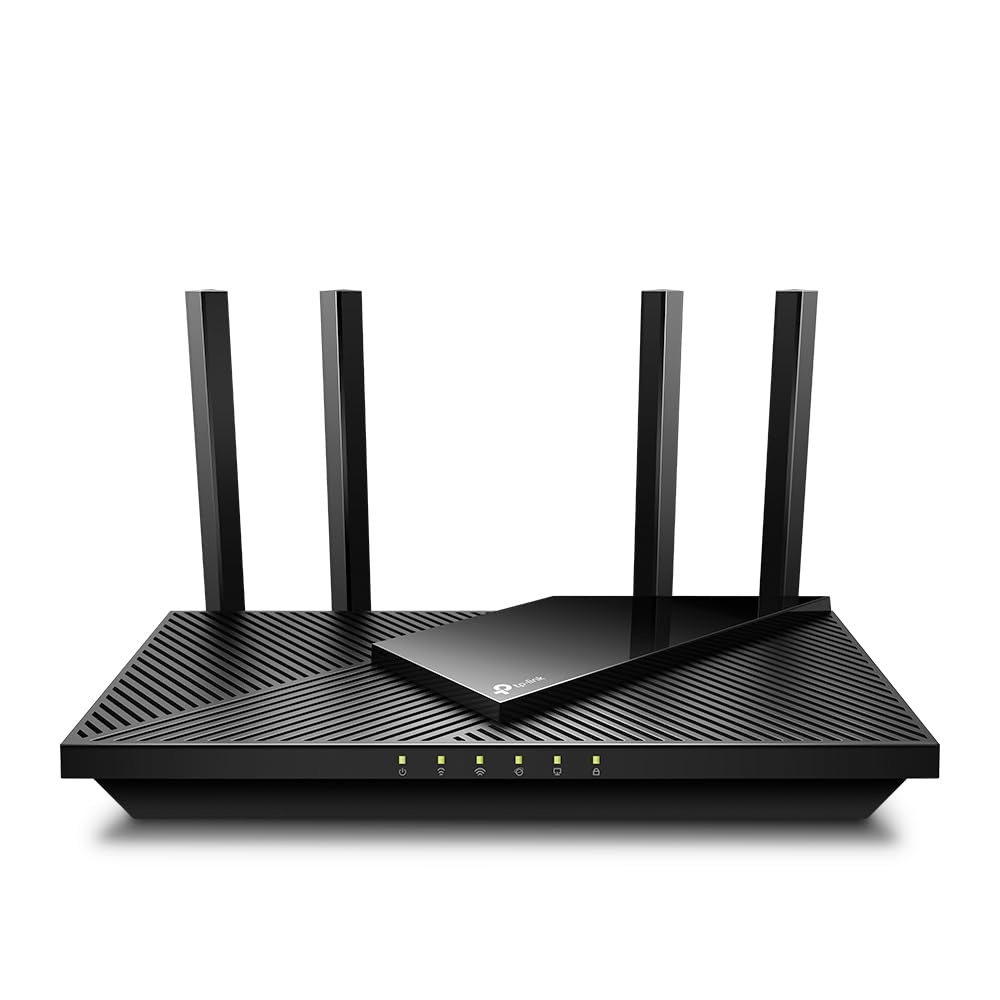
Let's talk about what's actually packed inside this matte black plastic chassis. The dual-band setup pushes speeds up to 1200 Mbps on the 5 GHz band and 574 Mbps on the 2.4 GHz band, giving you plenty of headroom for standard web browsing and heavy 4K video streaming simultaneously. Four external antennas stick out the back, powered by a quad-core processor designed to handle multiple connected gadgets without choking on data traffic.
View Deal on Amazon →
You also get four Gigabit LAN ports and one Gigabit WAN port on the rear panel, letting you plug in wired devices like smart TVs or desktop PCs for a rock-solid connection. It supports WPA3 encryption for modern network security, keeping your personal data safer from unauthorized snooping. Best of all, setting up a unified home coverage network is straightforward if you decide to expand your footprint later on.
Specs on a box are one thing, but how does this machine hold up in a crowded apartment building or a busy household? In everyday testing, a family of four can stream movies, play online multiplayer games, and run background backups without anyone shouting about lag in the middle of a match. The signal pushes through a couple of interior drywall barriers well enough to keep your smartphone connected out on the back patio.
That said, it isn't magic. If you try to push a massive 50-gigabyte game download while three people are on Zoom calls, you might notice a slight dip in responsiveness compared to a high-end gaming router that costs three times as much. For typical remote work routines, casual streaming, and smart home gadgets running all at once, it simply hums along quietly in the corner without demanding your attention.
Pros & Cons
No piece of tech is completely flawless, so let's weigh the good against the annoying before you click the buy button. Understanding the limitations helps you avoid buyer's remorse.
- Very wallet-friendly price point for a modern wireless protocol upgrade.
- Straightforward mobile app makes initial setup take less than ten minutes.
- Reliable wired port speeds for desktop setups and gaming consoles.
On the flip side, the physical footprint is a bit wide, meaning it takes up noticeable shelf space near your cable modem. The LED indicator lights on the front panel can also be quite bright if you place the unit in a bedroom or a media room where you prefer total darkness at night.
Who It's For & Who Should Skip It
If you're currently renting an apartment or living in a modest-sized house and still using the clunky gateway box your internet provider rented to you, this hardware swap is an absolute no-brainer. It's built for folks who want modern speed and security features without spending a fortune on enterprise-grade networking gear. It also fits nicely into smart home ecosystems where you want to issue voice commands through compatible smart assistants to check network status or pause guest access.
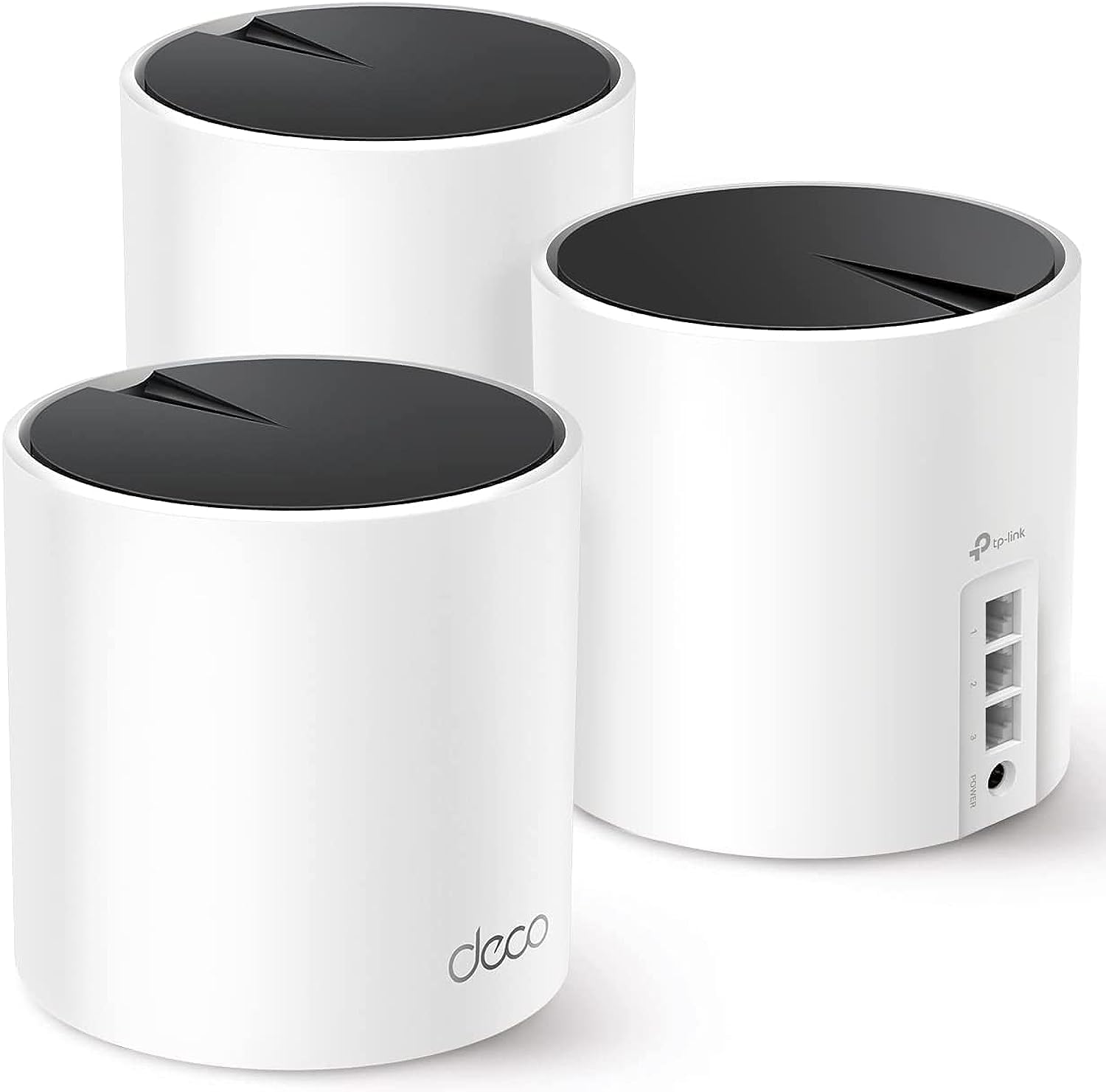
Skip this model if you live in a sprawling 4,000-square-foot estate with thick concrete walls, or if you subscribe to a lightning-fast multi-gigabit fiber plan that requires heavy-duty hardware to fully maximize. A single budget router simply won't cover every single corner of a massive mansion without help from a dedicated multi-node system.
Value for Money
When you look at what you pay versus what you actually get, this model hits a remarkably sweet spot in the current tech landscape. It delivers modern wireless efficiency that handles congestion much better than older gear, all while staying comfortably under the fifty-dollar mark during standard sales. You get tangible performance gains without paying for flashy gamer aesthetics or complicated features you'll never touch.
Sure, you can find faster units with more advanced Wi-Fi 7 capabilities, but you'll pay a heavy premium for technology that most household devices don't even support yet. Keeping your network up to date with a sensible, affordable purchase like this keeps your digital life running smoothly without emptying your wallet.
Frequently Asked Questions
Does it work well with smart home assistants?
Yes, you can link it with supported voice assistants to handle basic tasks like toggling your guest network or checking connection status hands-free.
How hard is it to expand coverage later?
It supports mesh-compatible pairing, meaning you can easily add a matching compatible extender or node down the road if you move to a larger home.
Can I mount it on the wall?
There are physical mounting slots molded into the bottom plastic casing, letting you hang it cleanly out of the way on a wall or utility board.
Verdict
At the end of the day, the Archer AX21 V5 proves that you don't need to spend a small fortune to get a fast, stable, and modern home network. It handles everyday streaming, gaming, and remote work demands with impressive reliability while keeping setup simple through a clean mobile application. If you're ready to ditch your lagging ISP rental box for something much more capable, head over to your favorite retailer to check current pricing and grab one for your living room.