Quick Verdict: The TP-Link Archer A6 is an absolute workhorse for budget-conscious households, students, and apartment dwellers who want fast, reliable daily WiFi without overpaying. Skip it if you subscribe to ultra-fast 1 Gbps fiber plans or need to connect dozens of smart devices at once, but for basic 4K streaming and work-from-home tasks, it delivers incredible value for your money.
Key Specifications and Design Highlights
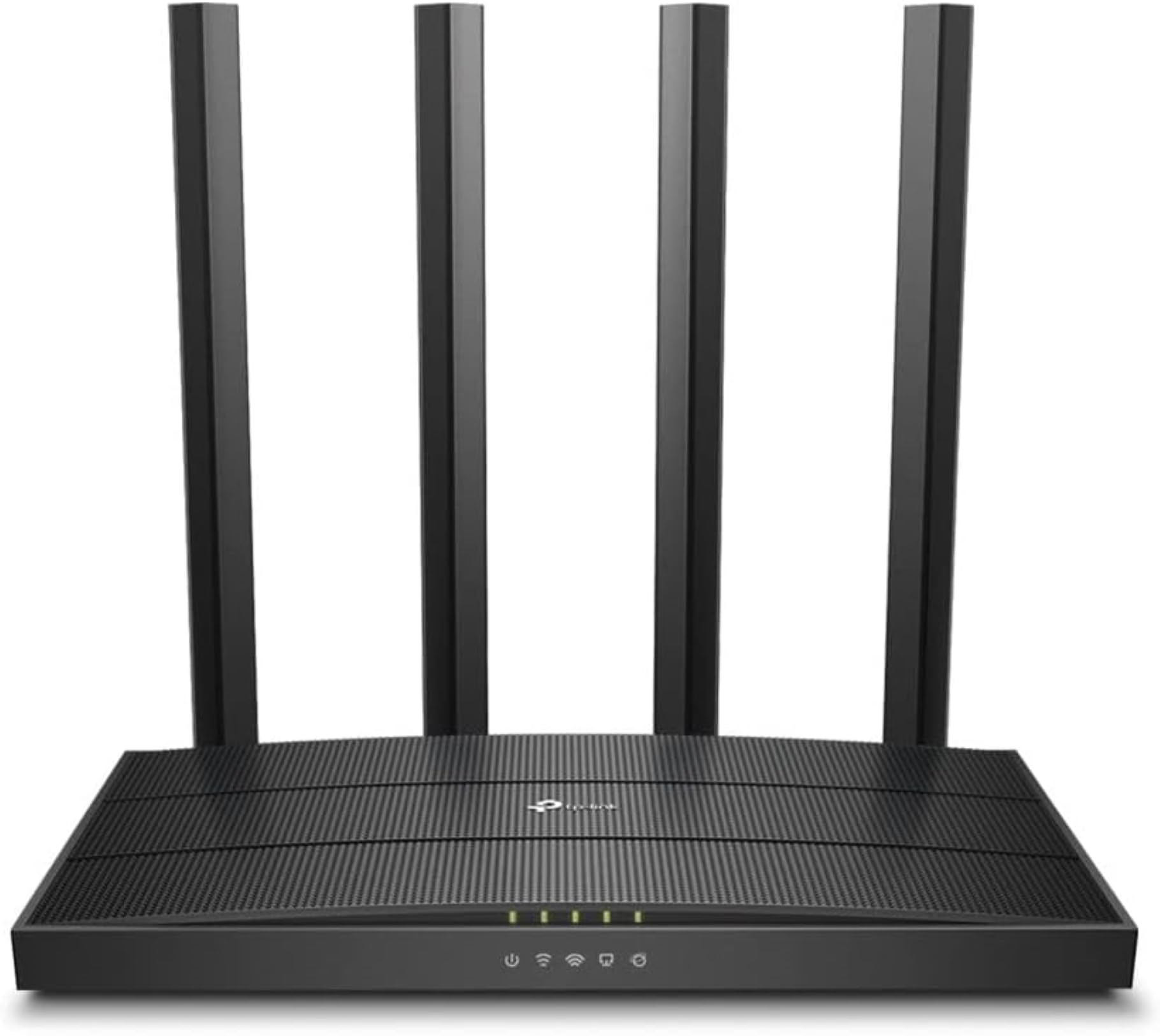
The Archer A6 sports a low-profile black housing with a textured grid finish, flanked by four high-gain external antennas that help direct wireless signals across your living space. Under the hood, it operates on simultaneous dual-band frequencies, serving up to 867 Mbps on the 5 GHz band for bandwidth-heavy traffic like video calls and streaming, alongside 300 Mbps on the 2.4 GHz band for long-range tasks and basic devices. That combined 1200 Mbps theoretical throughput gives standard home setups plenty of headroom for modern streaming demands.
View Deal on Amazon →
One major highlight here is the inclusion of full Gigabit Ethernet ports—one WAN port for your modem connection and four LAN ports for hardwiring devices. Many entry-level wireless units still cheap out with slower 10/100 Fast Ethernet ports, which creates an immediate bottleneck if your internet provider delivers speeds over 100 Mbps. With the Archer A6, plugging in your desktop computer, game console, or smart TV guarantees you get the full speed you pay for every single month.
Setting up the router takes roughly seven minutes using TP-Link's free Tether app on iOS or Android, which guides you step-by-step through setting your network name and password. In a standard 1,100-square-foot two-bedroom apartment, the four external antennas maintain a solid connection through drywall and interior doors without dropping signal bars. Browsing websites, loading heavy social feeds, and pulling down large software updates feels crisp and responsive from the living room couch to the back bedroom desk.
Thanks to built-in MU-MIMO (Multi-User, Multiple-Input, Multiple-Output) technology, the network handles multi-device strain far better than older budget networking hardware. In real-world testing with a 4K Netflix stream playing in the living room while a remote worker takes a HD video call in the home office, the router manages traffic without buffering spikes or choppy audio. That said, if someone starts downloading a massive 80GB game file on Steam, you will feel the bandwidth sharing limits of an AC1200 setup, so light bandwidth management remains helpful.
Core Pros and Cons Breakdown
Every budget-friendly tech gadget comes with compromises, and knowing what you get—and what you miss out on—is essential before buying. The Archer A6 strikes a very smart balance for everyday users, though power users will quickly spot where TP-Link saved costs during production. Here is how the strengths and drawbacks line up side by side:
What Works Great:
- Full Gigabit Ports: Four wired LAN ports deliver unthrottled gigabit speeds directly to your high-demand devices.
- Seamless MU-MIMO Handling: Transmits data to multiple devices simultaneously rather than making them queue up in line.
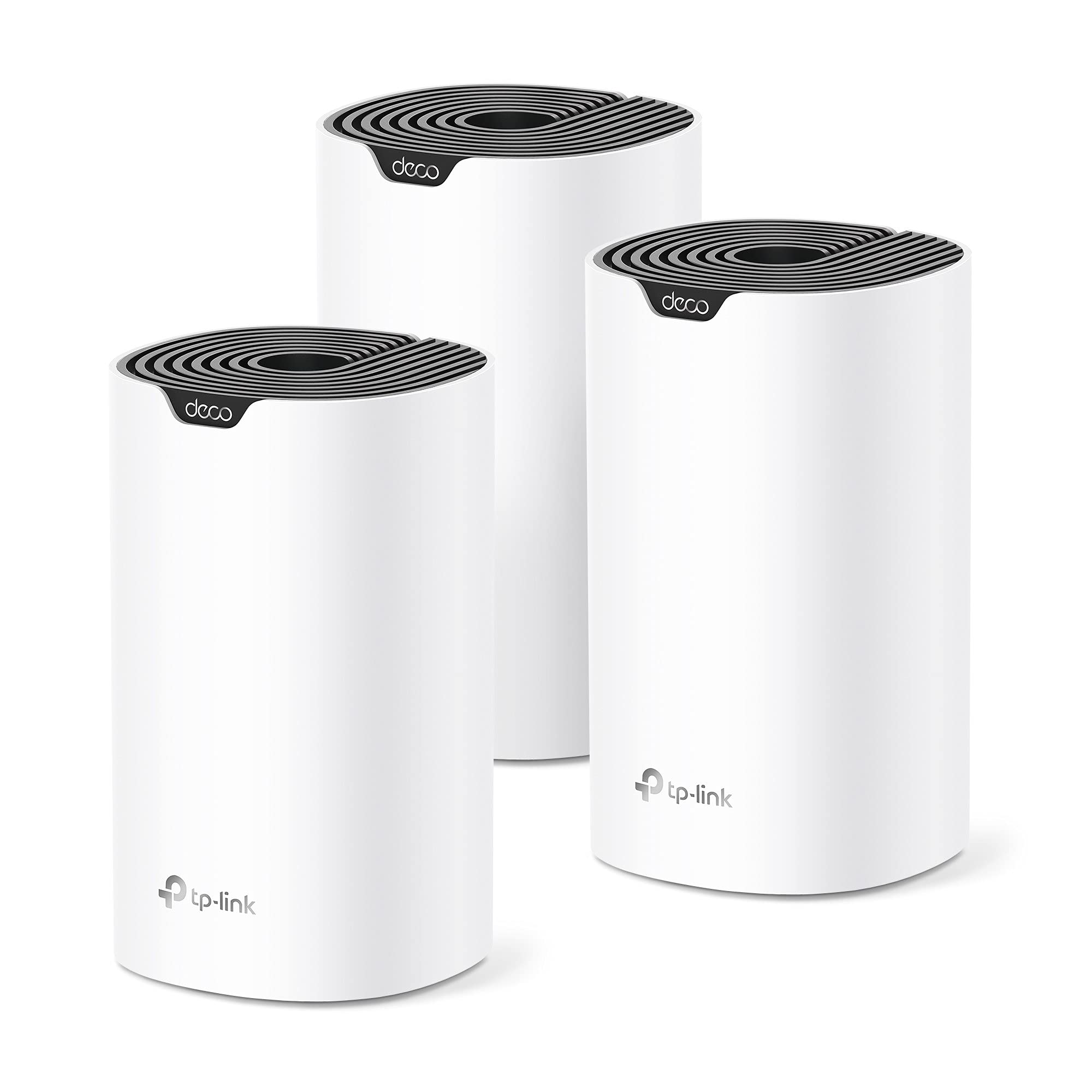
- OneMesh Compatible: Pair it easily with compatible TP-Link range extenders to build a unified mesh system down the road.
- Access Point Mode: Easily transforms into a secondary wireless access point if you already have a main wired router gateway.
Where It Falls Short:
- No Wi-Fi 6 Support: Operates on older Wi-Fi 5 (802.11ac) tech, meaning lower maximum efficiency with brand-new smartphones and laptops.
- Plastic Build & Fixed Antennas: The lightweight plastic chassis feels slightly delicate, and the external antennas are non-removable.
Ultimately, these trade-offs are easy to swallow given the price point. You aren't getting ultra-modern Wi-Fi 6 operational efficiency or detachable high-gain arrays, but for standard web tasks, the core networking features perform solidly without overheating or requiring constant reboots.
Ideal Use Cases and Who Should Pass
This unit is tailored specifically for budget-conscious shoppers, renters living in small-to-medium apartments, and casual users looking to replace a rental fee from their cable provider. If your internet plan is between 50 Mbps and 300 Mbps, this router will handle everything you throw at it with ease. It is also an excellent pick for college dorms, guest houses, or home office setups where you need a quick Access Point to extend wired drops into usable wireless coverage.
On the flip side, heavy gamers, tech enthusiasts, and large families occupying 2,500+ square foot multi-story homes should look elsewhere. If you have subscribed to a 1 Gbps fiber internet connection or host over thirty connected smart home devices like security cameras, smart bulbs, and tablets, the processor on the A6 will eventually struggle under heavy concurrent load. In those scenarios, investing in a dedicated tri-band Wi-Fi 6 mesh system is a much smarter move.
Long-Term Value and OneMesh Expandability
Value is where this router truly shines in 2026, offering features normally reserved for mid-tier gear at an entry-level cost. The inclusion of TP-Link's OneMesh technology means you aren't backed into a corner if your coverage needs change later on. Instead of scrapping the router when moving to a larger space, you can simply plug in a OneMesh Wi-Fi extender, maintaining a single network name (SSID) so your phone automatically switches to the strongest signal as you walk around.
Operating costs stay low too, as the unit draws minimal power and generates very little thermal heat during operation. You can tuck it behind a TV stand or mount it discreetly on a wall without worrying about thermal throttling or loud internal fan noise. When factoring in the money saved by returning your ISP's monthly rental modem/router combo unit, the Archer A6 effectively pays for itself within just four or five months of ownership.
Frequently Asked Questions
Can I use the TP-Link Archer A6 as a standalone modem?
No, the Archer A6 is strictly a wireless router and requires a separate cable, fiber, or DSL modem to connect to your internet service provider.
How do I switch the router into Access Point (AP) Mode?
You can easily toggle Access Point mode within the TP-Link Tether smartphone app or through the web management page under the Advanced settings menu.
Will this router work with my current Internet Service Provider?
Yes, it works with any major provider as long as you plug it into an active internet modem using a standard Ethernet cable.
Does the Archer A6 require a paid subscription to use its app features?
No, basic setup, network management, parental controls, and remote app access through the Tether app are completely free to use.
Final Verdict
The TP-Link Archer A6 proves that you don't need to spend hundreds of dollars to get dependable, fast WiFi in a modest footprint. By combining dual-band AC1200 wireless performance, full Gigabit wired ports, and simple app management, it tackles daily web browsing, remote work video calls, and 4K media streaming without missing a beat.
While tech enthusiasts and massive households will prefer newer Wi-Fi 6 mesh kits, the Archer A6 remains one of the absolute best budget upgrades for everyday internet users. If you are tired of paying monthly hardware rental fees to your internet provider, pick up the Archer A6 today and enjoy straightforward, reliable home connectivity on a budget.