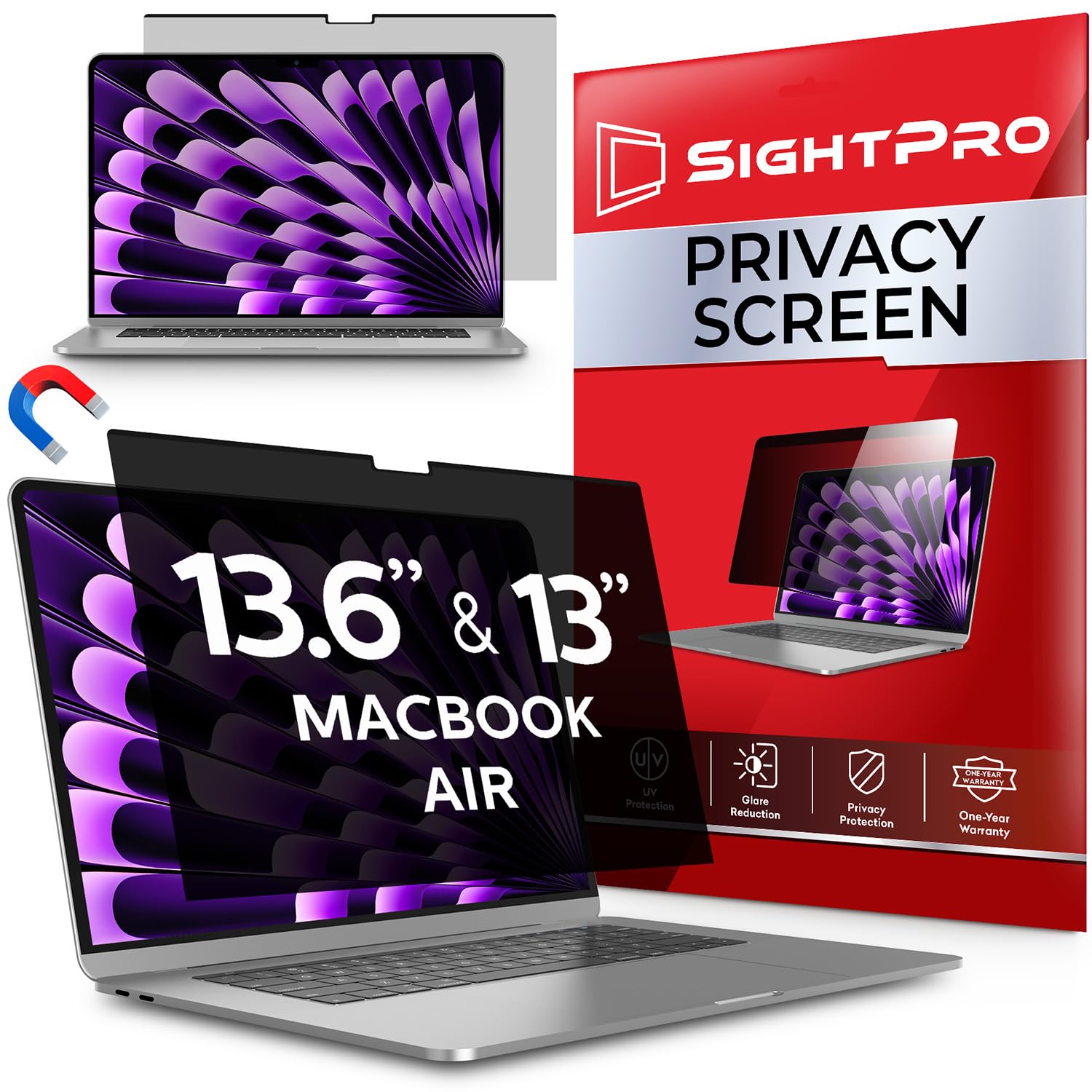
Quick Verdict: The SightPro Magnetic Privacy Screen is a top-tier choice for remote workers who want hassle-free privacy protection without dealing with permanent screen adhesives. It reduces screen brightness slightly and leaves a micro-gap when your lid closes, but its instant snap-on convenience and blackout performance make it a fantastic investment for travel.
Key Features and Specifications
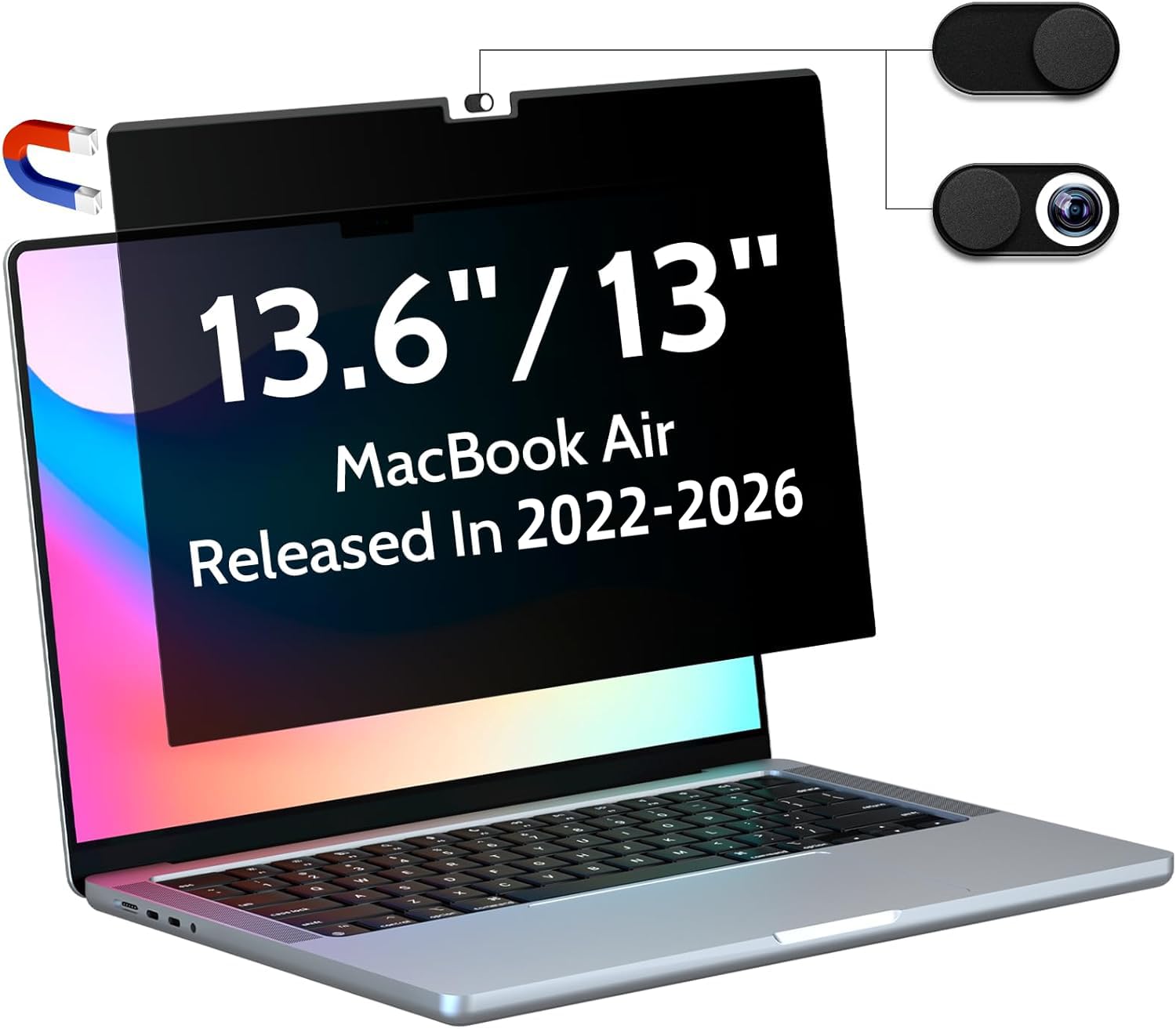
Designed specifically to fit modern 13-inch and 13.6-inch MacBook Air models (covering M2 through M5 chips), this SightPro privacy filter utilizes a subtle magnetic bar integrated into the top edge. Instead of forcing you to slide plastic tabs onto your bezel or smear sticky double-sided tape across your screen, it snaps directly onto the built-in magnets inside Apple's display frame. The core technology behind the filter relies on narrow micro-louvers that constrain the viewing arc to about 30 degrees on either side. Step outside that narrow window, and anyone attempting to sneak a glance sees a solid black display.
View Deal on Amazon →
Beyond simple visual defense, the screen offers a reversible dual-finish design so you can adapt to different working environments. One side features a matte coating that cuts down on annoying overhead light reflection, while the flip side offers a smooth glossy finish for sharper color reproduction in low-light settings. SightPro also integrated a specialized blue light and glare filter directly into the optical layer. This helps block a portion of high-energy visible light rays, helping reduce digital eye fatigue during long afternoon work sessions.
Snapping this screen onto a 13.6-inch MacBook Air at a crowded cafe changes how comfortably you can handle sensitive work in public. Positioned directly in front of the laptop, your view remains crisp and easy to read, though you will likely bump your display brightness up by roughly two notches to compensate for the light filter. As soon as a neighbor sits down next to you at a shared table, your screen appears totally dark from their angle. It prevents shoulder surfing effortlessly without making you look paranoid or pulling unnecessary attention.
Taking the filter off is just as effortless when you need to share your screen with a colleague for a quick project review. You simply grab the top edge, pull it away from the magnet strip, and slide it into the bundled protective storage folder. The main physical caveat you'll notice during daily use is that your MacBook lid won't seat 100% flush while the screen is attached. A tiny fraction of a millimeter gap remains visible near the hinge, but the laptop still triggers its internal magnet sensor to go to sleep without any issues.
Weighing the Pros and Cons
Deciding whether to add an optical filter to your daily tech kit comes down to balancing raw privacy against minor screen trade-offs. The SightPro system provides immense peace of mind in busy environments, but like any physical security filter, it changes how your laptop display behaves in daily use. Here is a clear look at where this removable screen shines and where it presents a minor compromise.
- Pros: Attaches instantly using internal MacBook magnets without tape or glue; effectively blacks out side viewing angles beyond 30 degrees; offers both anti-glare matte and high-clarity glossy sides; comes with a rigid protective sleeve.
- Cons: Requires running screen brightness slightly higher which burns a bit extra battery; leaves a microscopic lid gap when closed; slightly reduces viewing clarity when looking from steep top or bottom angles.
While increasing display brightness eats into your overall battery run-time by maybe 20 minutes over a full work day, the trade-off feels small when managing confidential documents. The magnetic grip remains secure while typing frantically on your lap, yet gives way smoothly when you want to peel the sheet off. It hits a sweet spot between structural reliability and everyday ease of use.
Who It's For and Who Should Skip It
Remote employees, business consultants, financial advisors, and students who frequently work in public places will love this privacy filter. If you spend hours on flights, in coffee shops, or sitting in hotel lobbies working on private client files, this screen gives you total freedom to focus. You no longer need to hunt for a corner table facing a wall just to keep your screen out of view.
On the flip side, professional graphic artists, video colorists, and photographers should probably pass on this accessory for color-critical work. The micro-louver filter naturally shifts color temperature slightly and limits viewable brightness, which can throw off delicate image grading. Additionally, if your MacBook Air stays docked on a desk at home or in a private office 95% of the time, adding a privacy shield simply introduces extra steps without real benefit.
Is the SightPro Worth the Money?
Sitting in the mid-range price bracket for premium laptop filters, the SightPro delivers impressive long-term value for mobile workers. Low-cost stick-on privacy films often trap dust bubbles, leave nasty adhesive residue, or warp after a few weeks of heat exposure. Because this magnetic filter pulls off in a second and stores flat, its structural durability extends far beyond cheap disposable options.
SightPro includes a generous set of accessories inside the box, including a microfiber cleaning cloth and a stiff plastic sleeve to protect the optical film inside your laptop bag. When you calculate the potential cost of exposed corporate data or compromised personal information, spending a small amount on physical protection is easy to justify. It feels like a natural, intentional extension of your MacBook hardware rather than a clunky afterthought.
Frequently Asked Questions
Does this privacy filter fit older M1 MacBook Air models?
While designed around the screen dimensions of 13.6-inch M2 through M5 models, it can rest on older 13.3-inch displays. However, the top magnet placement and bezel alignment won't match as cleanly.
Will closing the laptop lid with the screen attached damage the display?
No, the filter is thin enough that it won't crush the glass display or strain the hinge mechanism. The lid simply rests slightly raised, but your laptop will still enter sleep mode normally.
Does the magnetic strip interfere with the MacBook's internal sleep sensor?
Not at all. The magnetic force is calibrated specifically to grip the screen bezel without triggering false sleep signals or disrupting internal laptop sensors.
How should I clean the privacy filter when it gets fingerprints?
Use a clean microfiber cloth dampened slightly with plain water or standard screen cleaner. Avoid using harsh chemical sprays containing ammonia or acetone, as they can strip the anti-glare coating.
Final Verdict
The SightPro Magnetic Privacy Screen achieves an excellent balance between screen security, image readability, and daily convenience for MacBook Air users. Its snap-on magnetic mounting eliminates the frustration of sticky tapes while offering reliable blackout protection against unwanted onlookers in public spaces.
If you regularly handle sensitive information while traveling or working remotely in 2026, this filter is one of the most useful accessories you can drop into your tech bag. Check out the SightPro screen today to reclaim your visual privacy wherever you decide to set up office.